PXA Network
PXA Control

Your rig, one click from serving

The control app for the engine: it finds your cards, reads your models from their headers, launches a server with measured settings and shows every token per second. It listens on this machine only unless you ask for the LAN, and it starts nothing until you press Start.

Every tab

Twelve tabs, captured on the test box

PXA Control v3 build (631b4ba88a) on the test box, captured 2026-10-15 with headless Chromium; server labels renamed, every number live. The screenshots follow this page's theme: switch it in the header to see the other one.
PXA Control, home tab (dark theme)PXA Control, home tab (light theme)
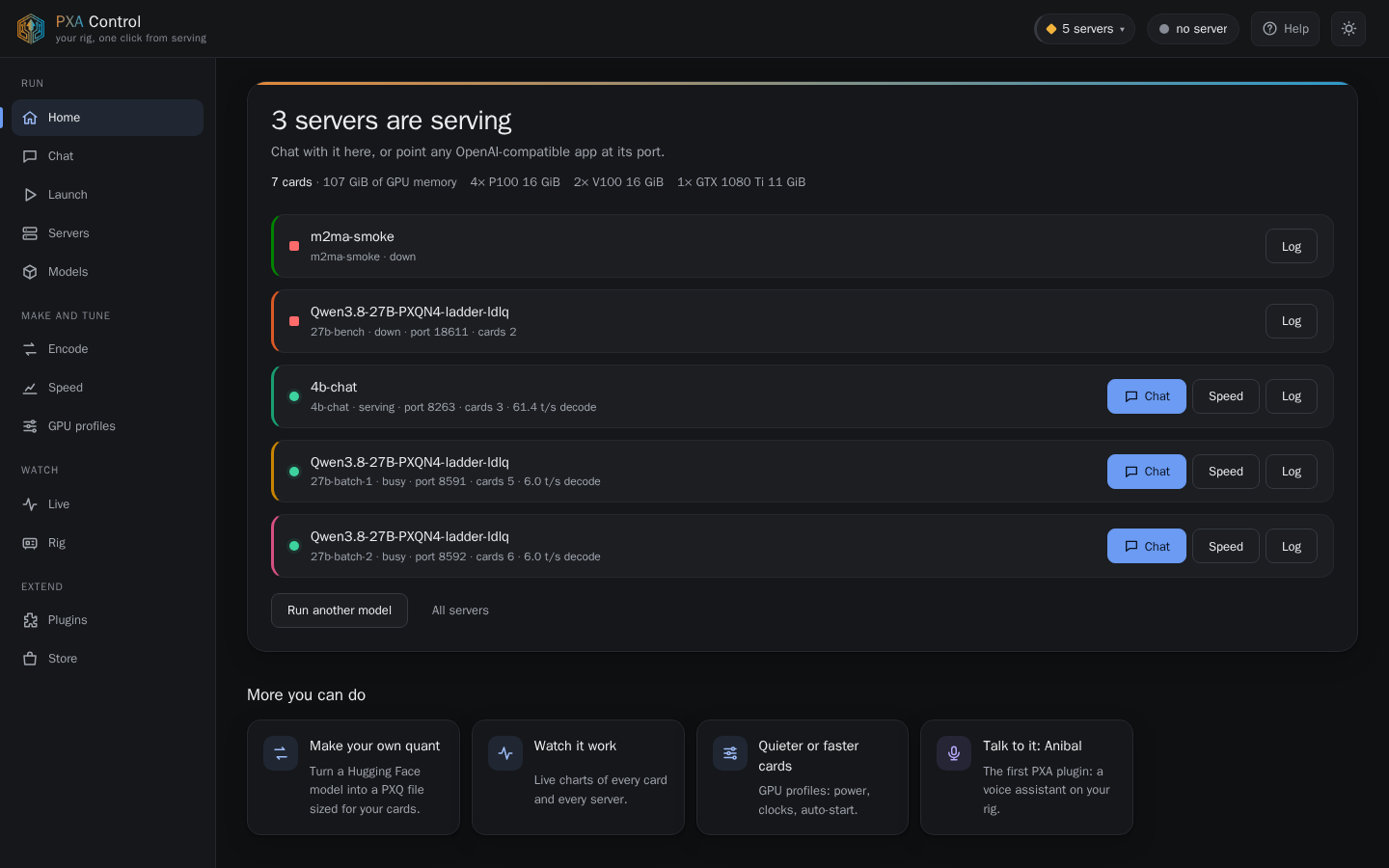
HomeEvery server on the machine at a glance, with the cards it found: 4x P100, 2x V100 and a 1080 Ti here.
PXA Control, live tab (dark theme)PXA Control, live tab (light theme)
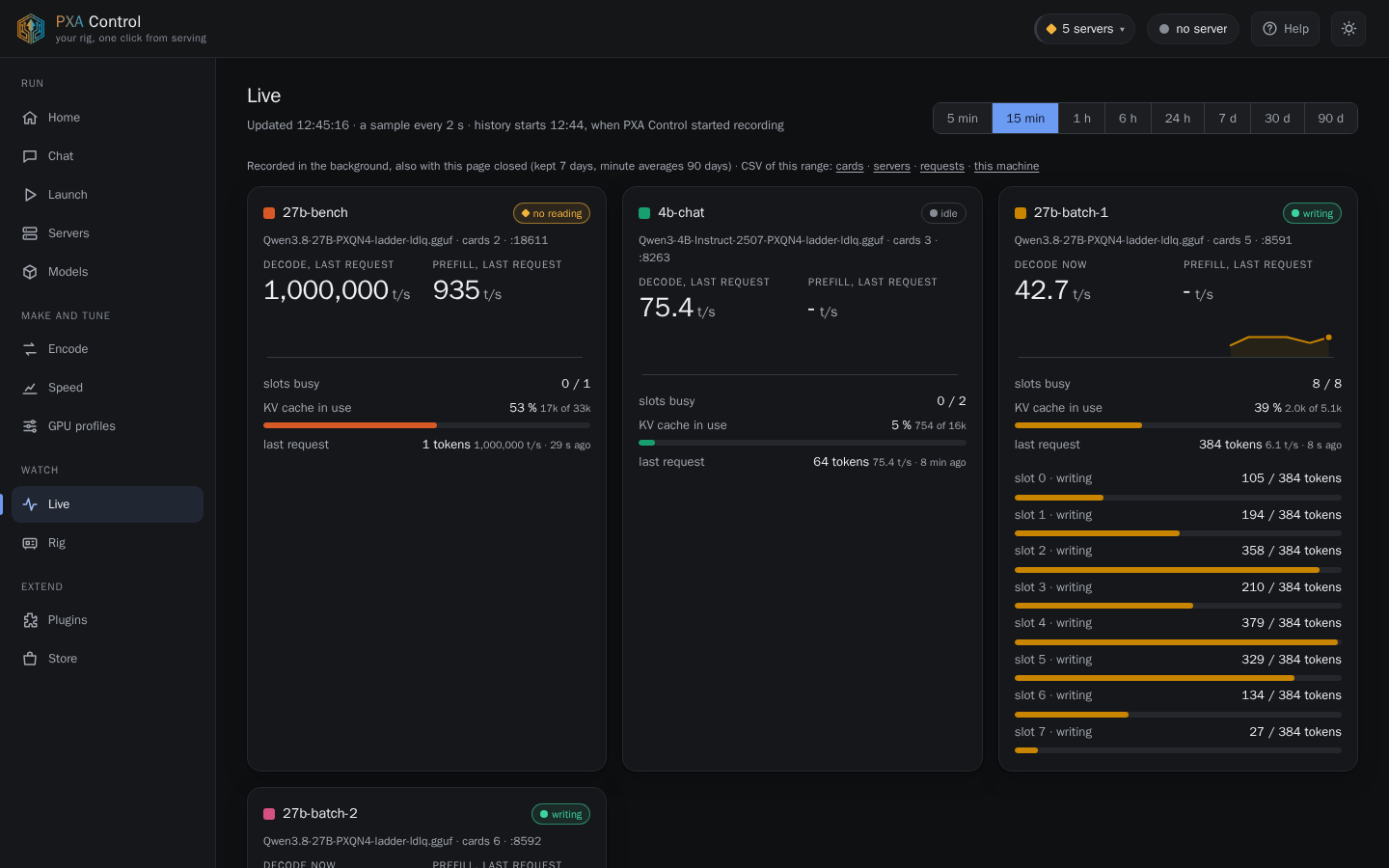
LiveDecode and prefill speed, slots, KV use and per-request progress. Here two 27B servers run eight chats each on single P100s.
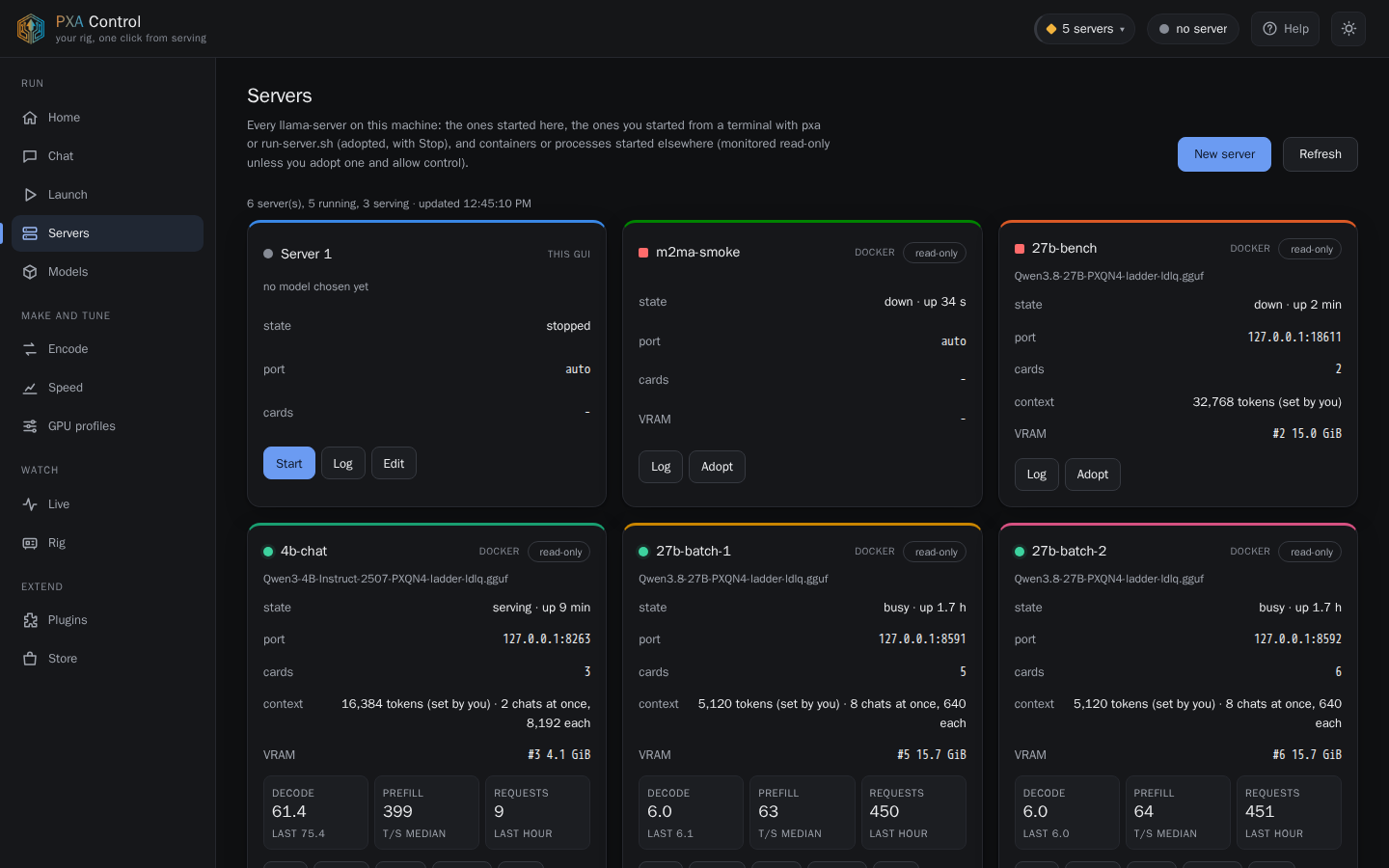
PXA Control, servers tab (dark theme)PXA Control, servers tab (light theme)
ServersStarted here, from a terminal, or in a container: state, port, cards, VRAM and speeds, with log, chat and adopt.
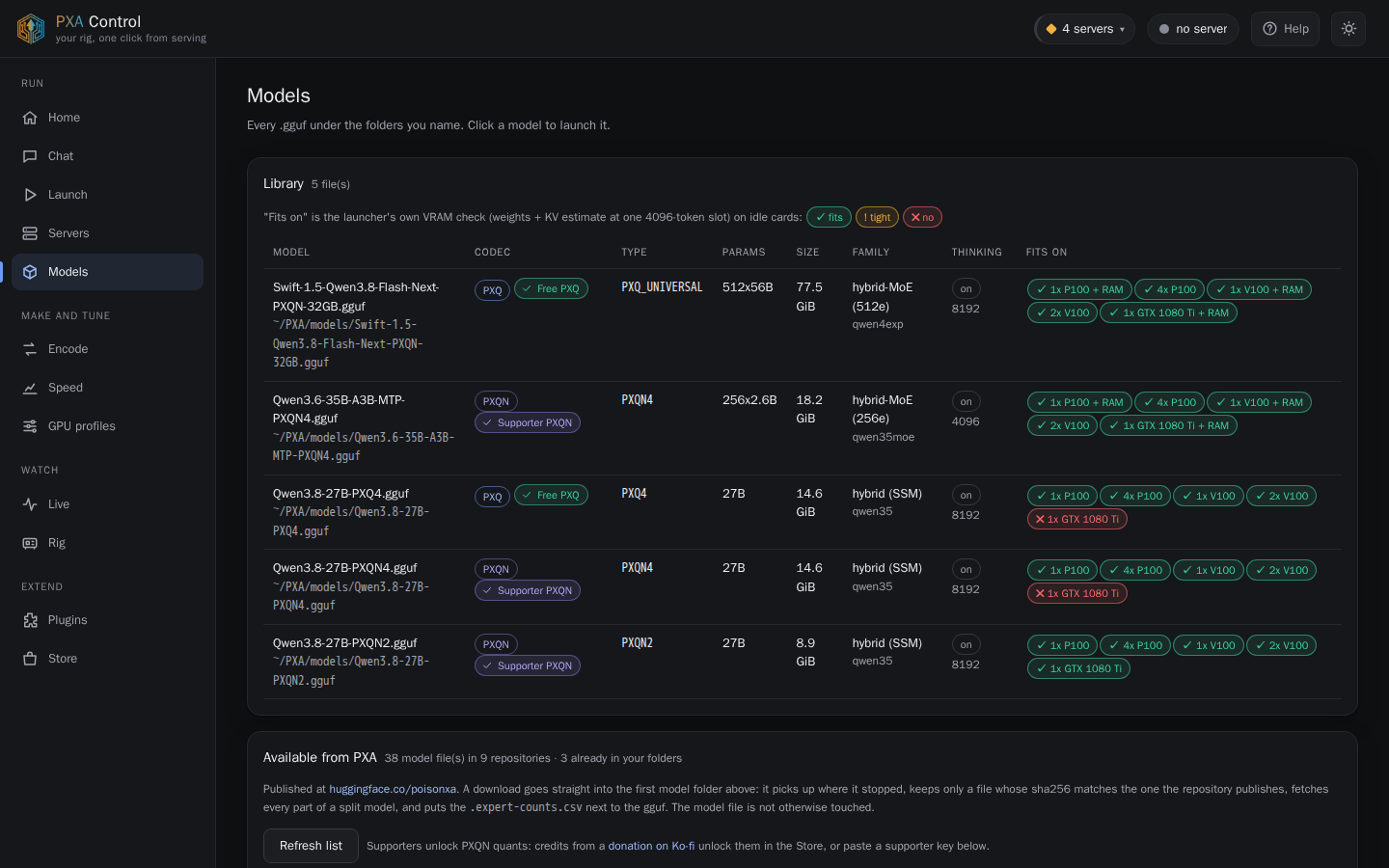
PXA Control, models tab (dark theme)PXA Control, models tab (light theme)
Model libraryEvery .gguf under your folders, read from its header: codec, tier, size, family and which card sets it fits on.
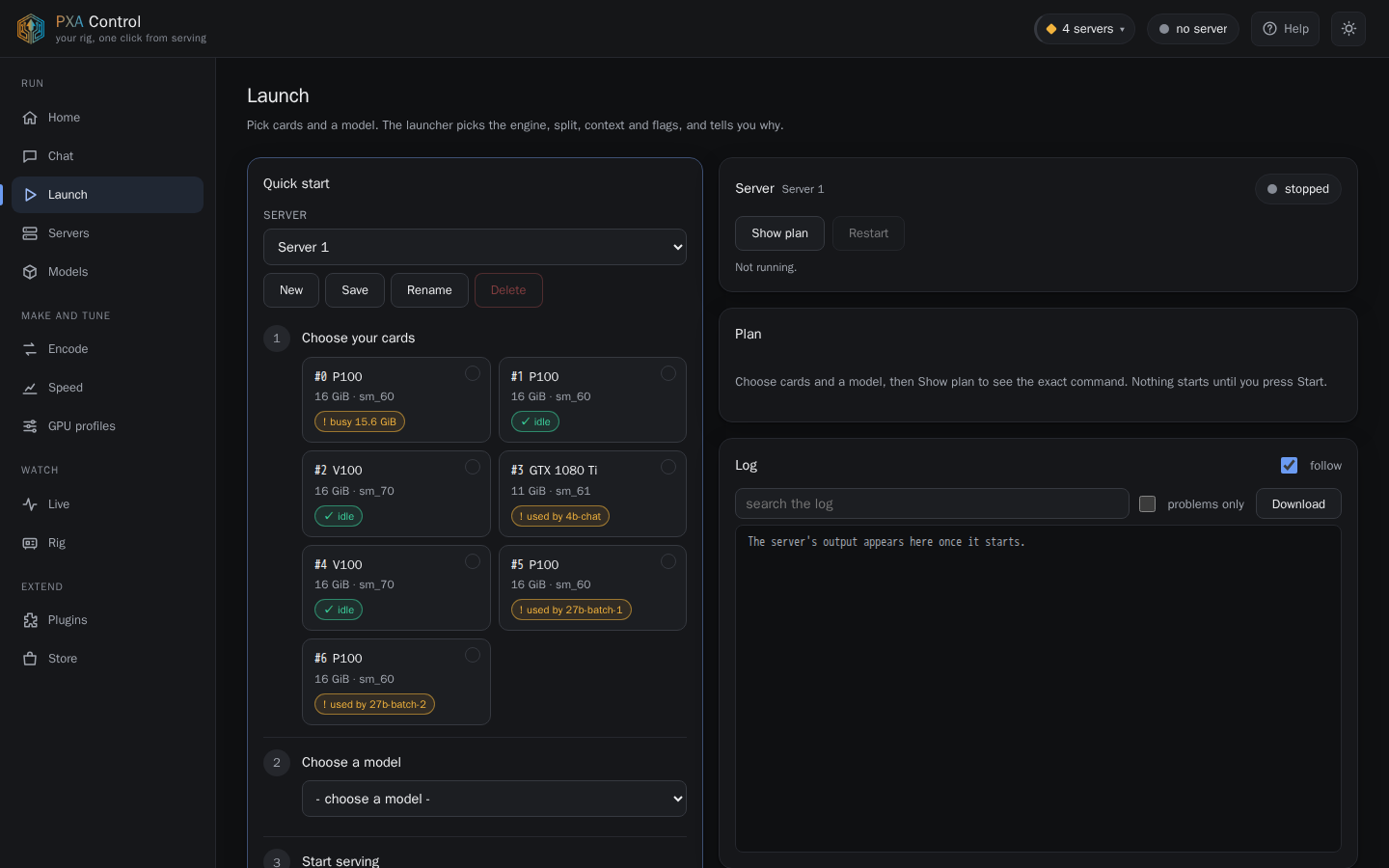
PXA Control, launch tab (dark theme)PXA Control, launch tab (light theme)
Launch and presetsPick cards and a model; Show plan prints the exact command and the reason for each setting. Saved servers act as presets.
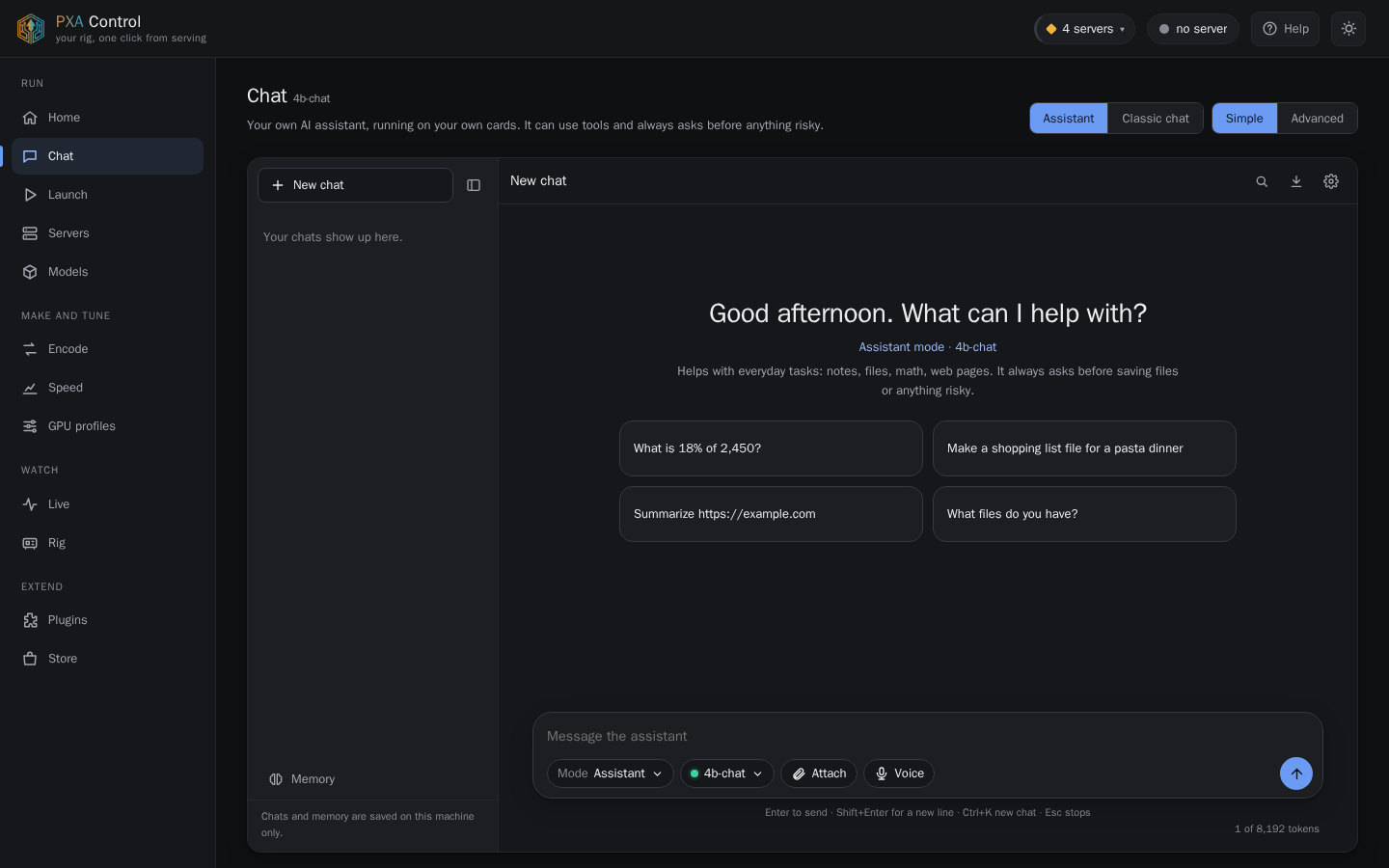
PXA Control, chat tab (dark theme)PXA Control, chat tab (light theme)
ChatAn assistant on your own cards, with tools that ask before anything risky, plus a classic chat mode.
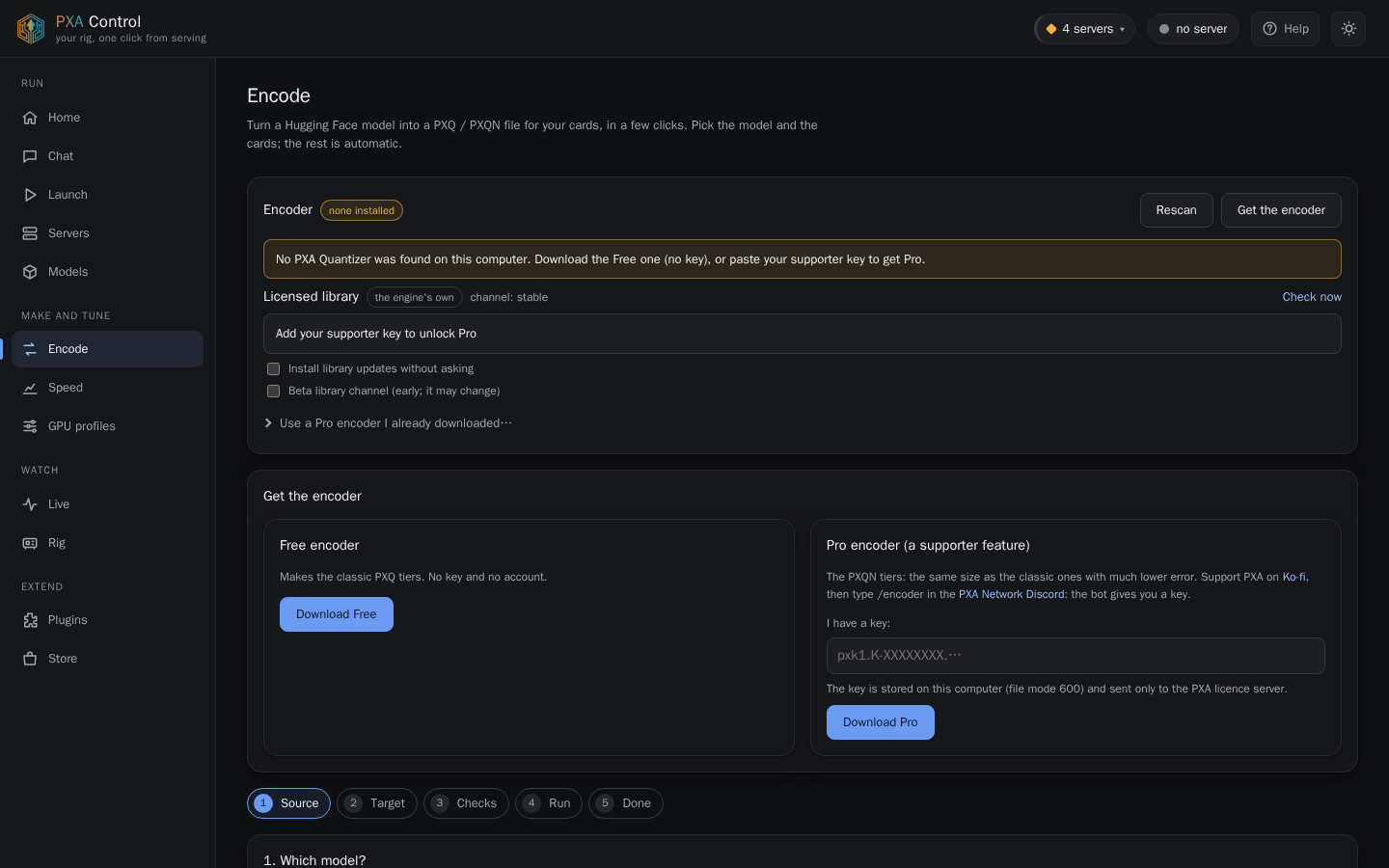
PXA Control, encode tab (dark theme)PXA Control, encode tab (light theme)
Encode wizardTurn a Hugging Face model into a PXQ or PXQN file in five steps: Source, Target, Checks, Run, Done. Includes the licensed-library updater.
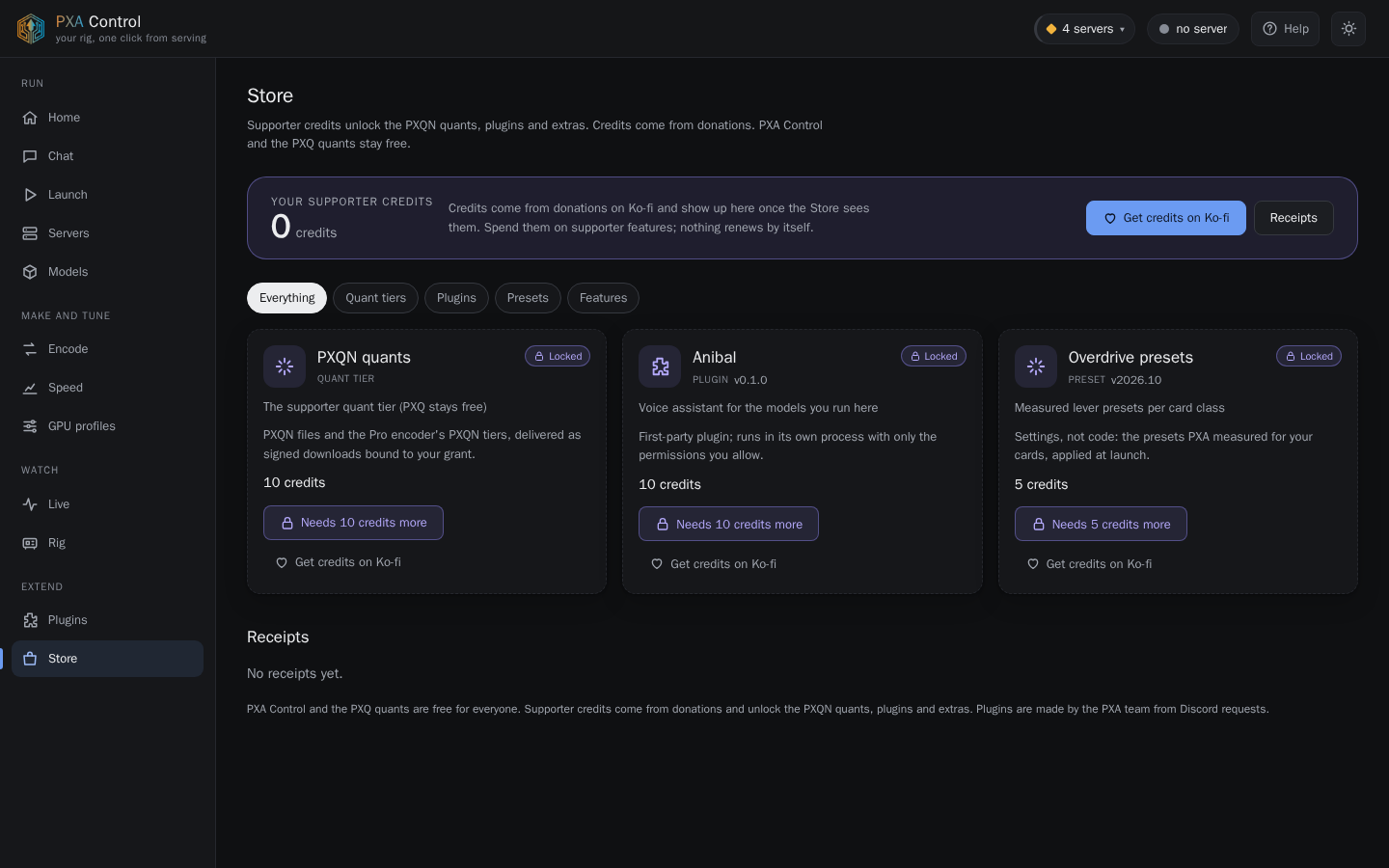
PXA Control, store tab (dark theme)PXA Control, store tab (light theme)
StoreSupporter credits unlock PXQN quants, plugins and the measured Overdrive presets.
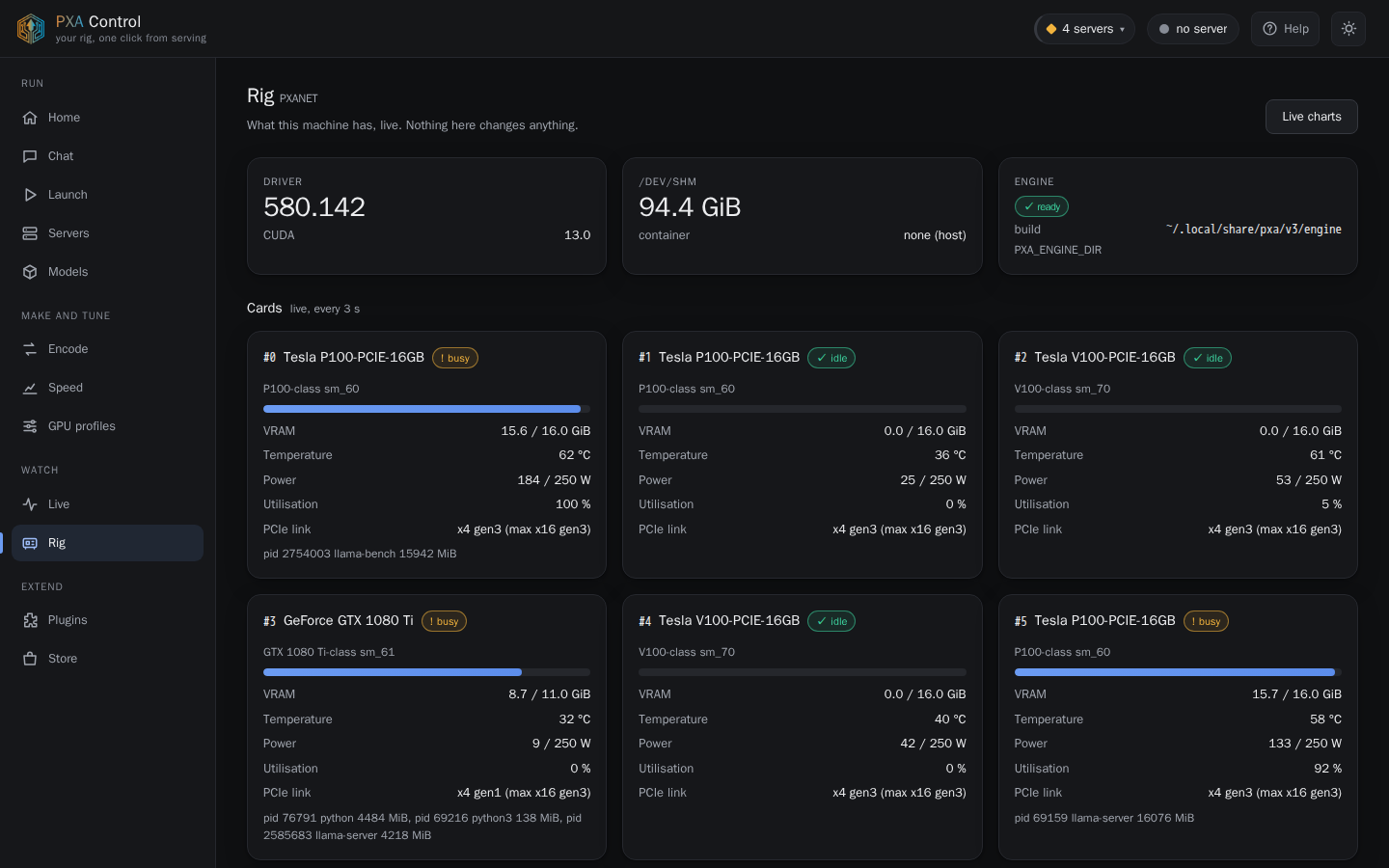
PXA Control, rig tab (dark theme)PXA Control, rig tab (light theme)
RigPXA 4.0 optimizations
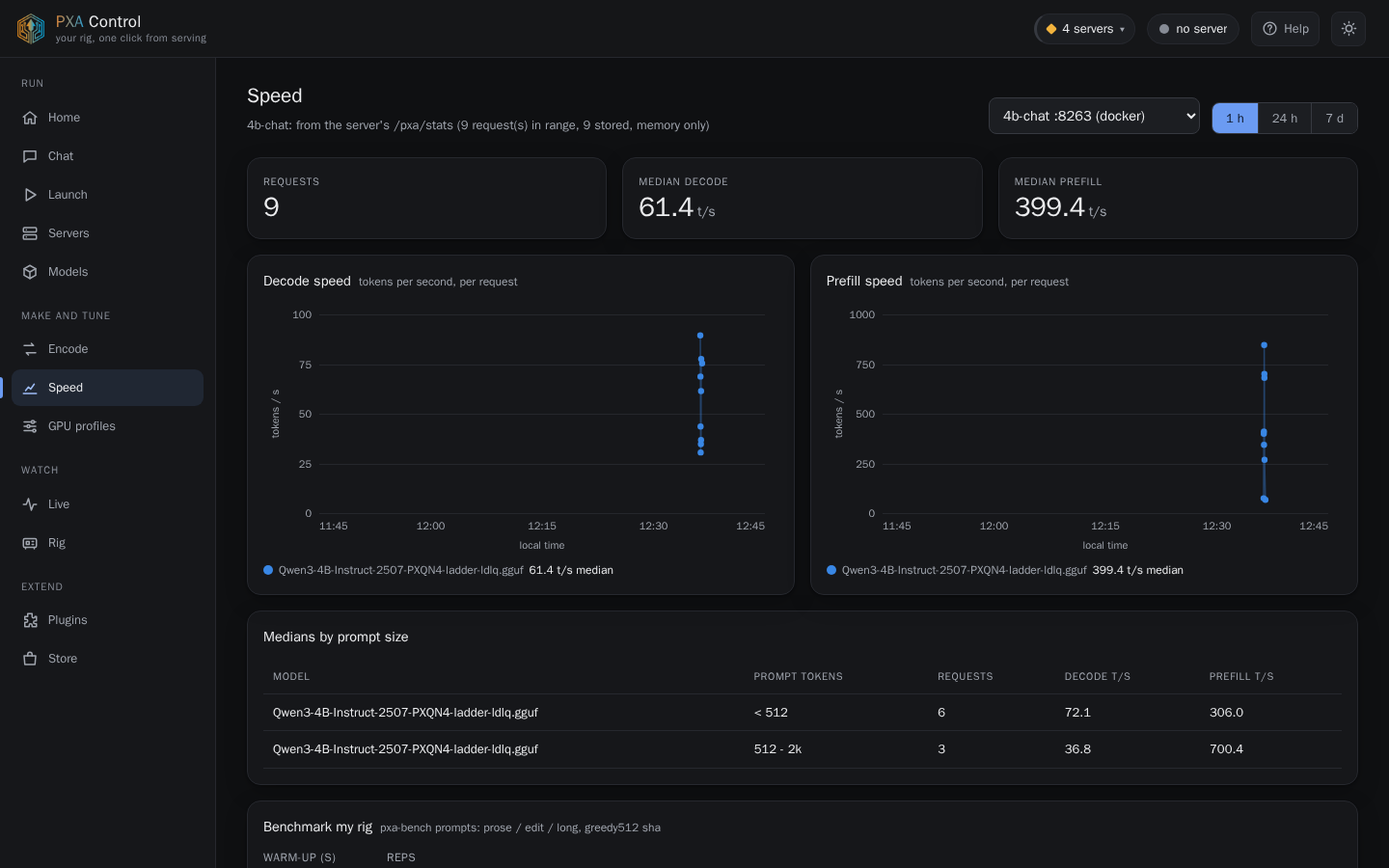
PXA Control, speed tab (dark theme)PXA Control, speed tab (light theme)
SpeedSpeed history per model and a one-click benchmark of your rig.
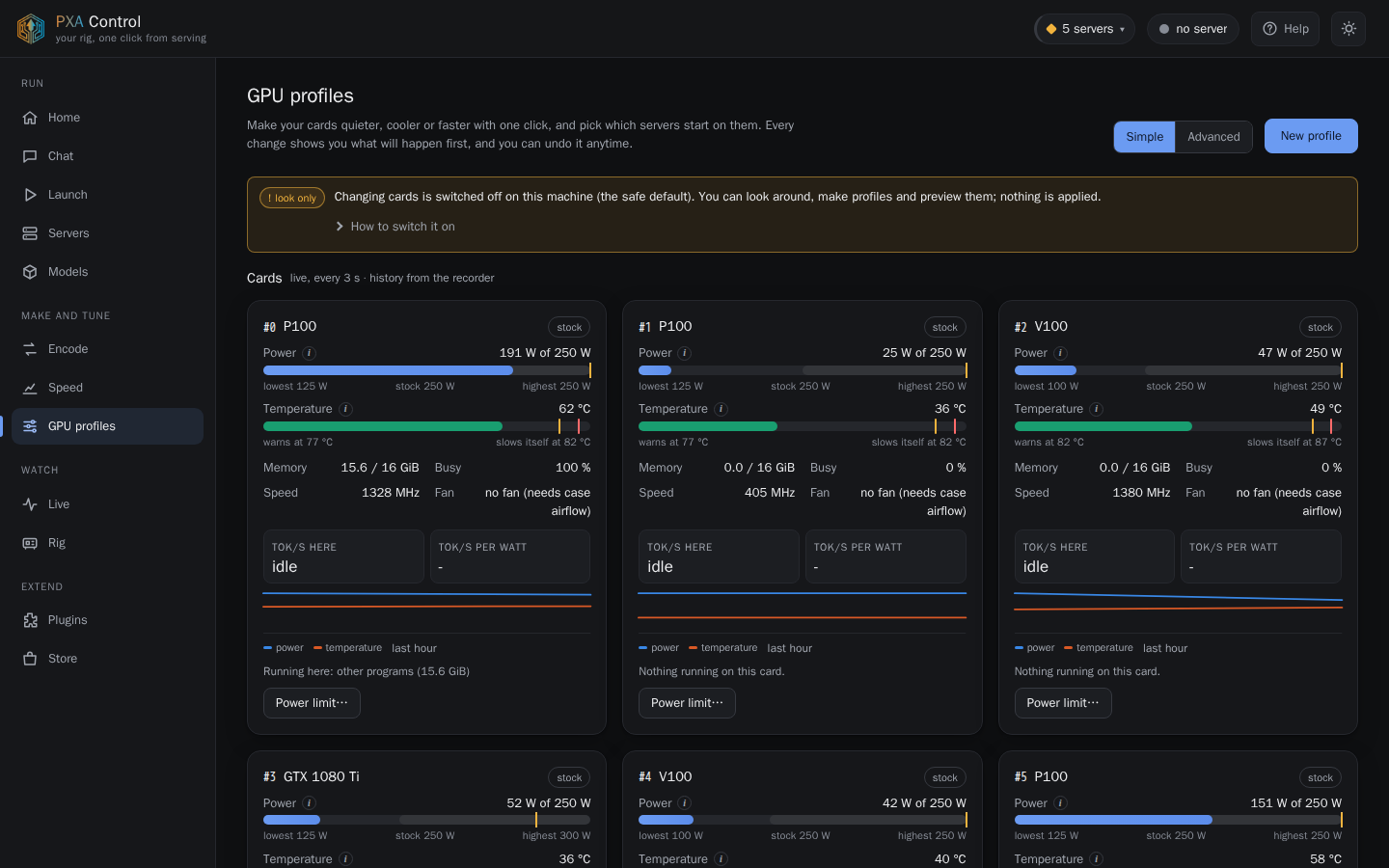
PXA Control, profiles tab (dark theme)PXA Control, profiles tab (light theme)
GPU profilesPower limits, clocks and auto-start per card, applied only when you allow changes.
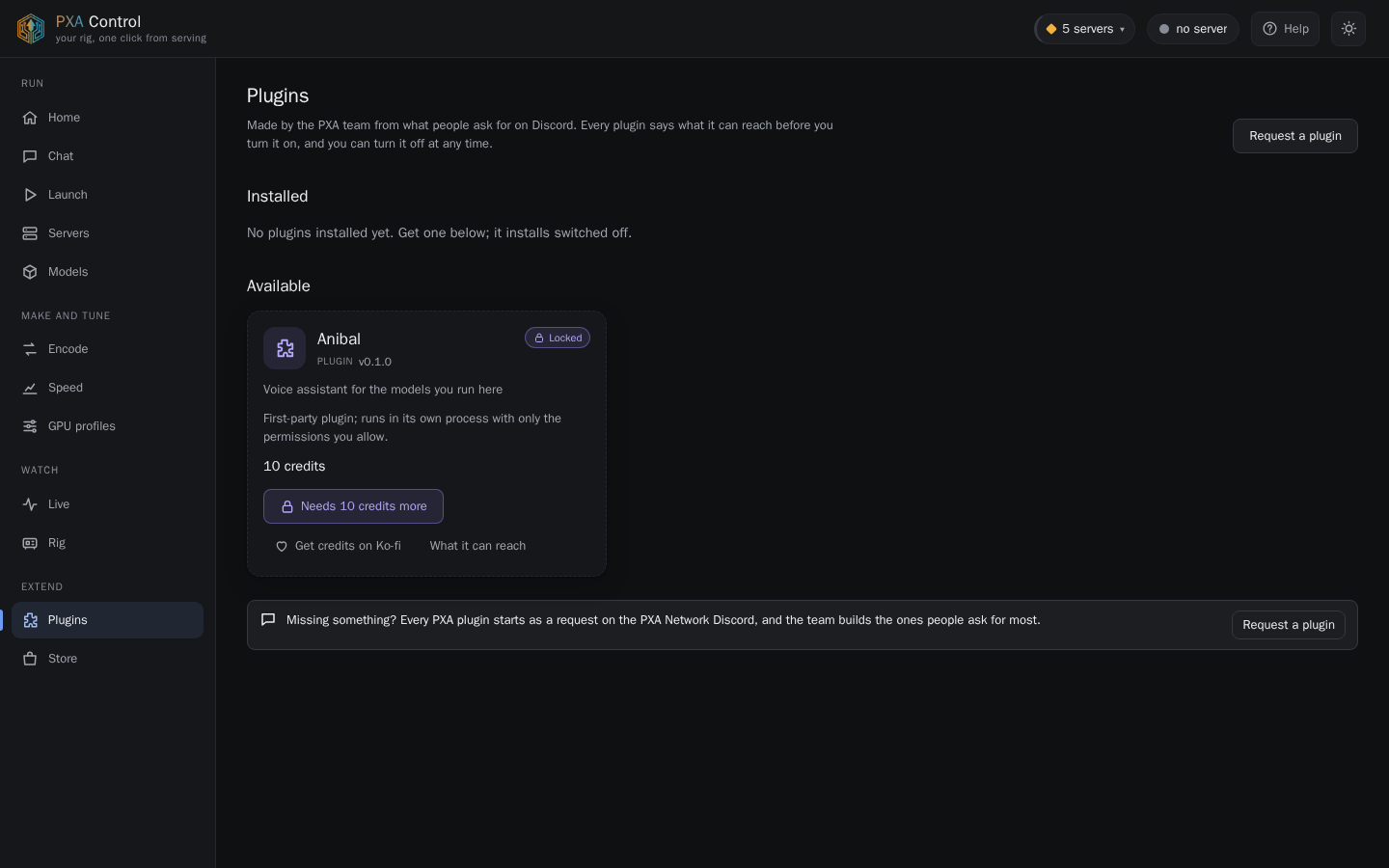
PXA Control, plugins tab (dark theme)PXA Control, plugins tab (light theme)
PluginsFirst-party plugins run in their own process with only the permissions you grant.
Phone

It works on a phone

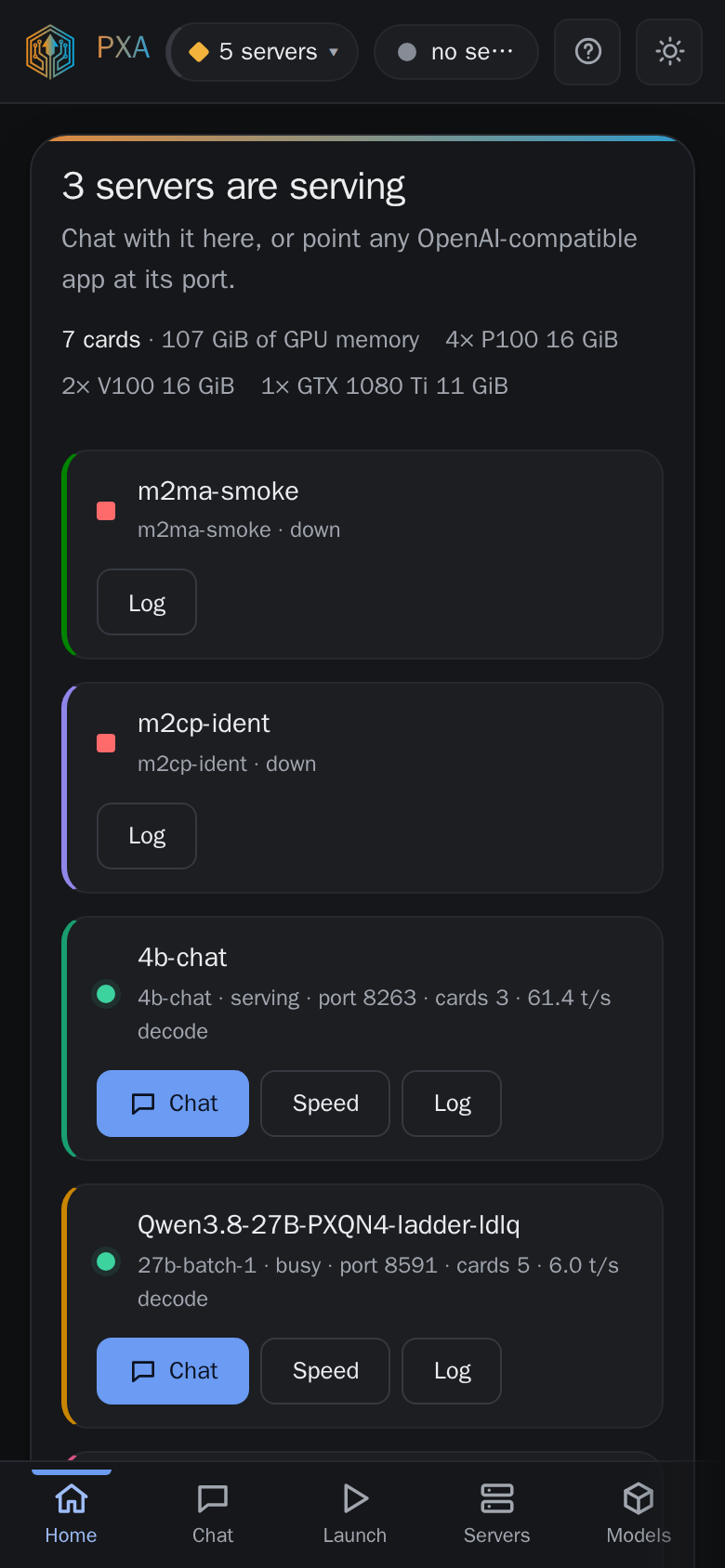
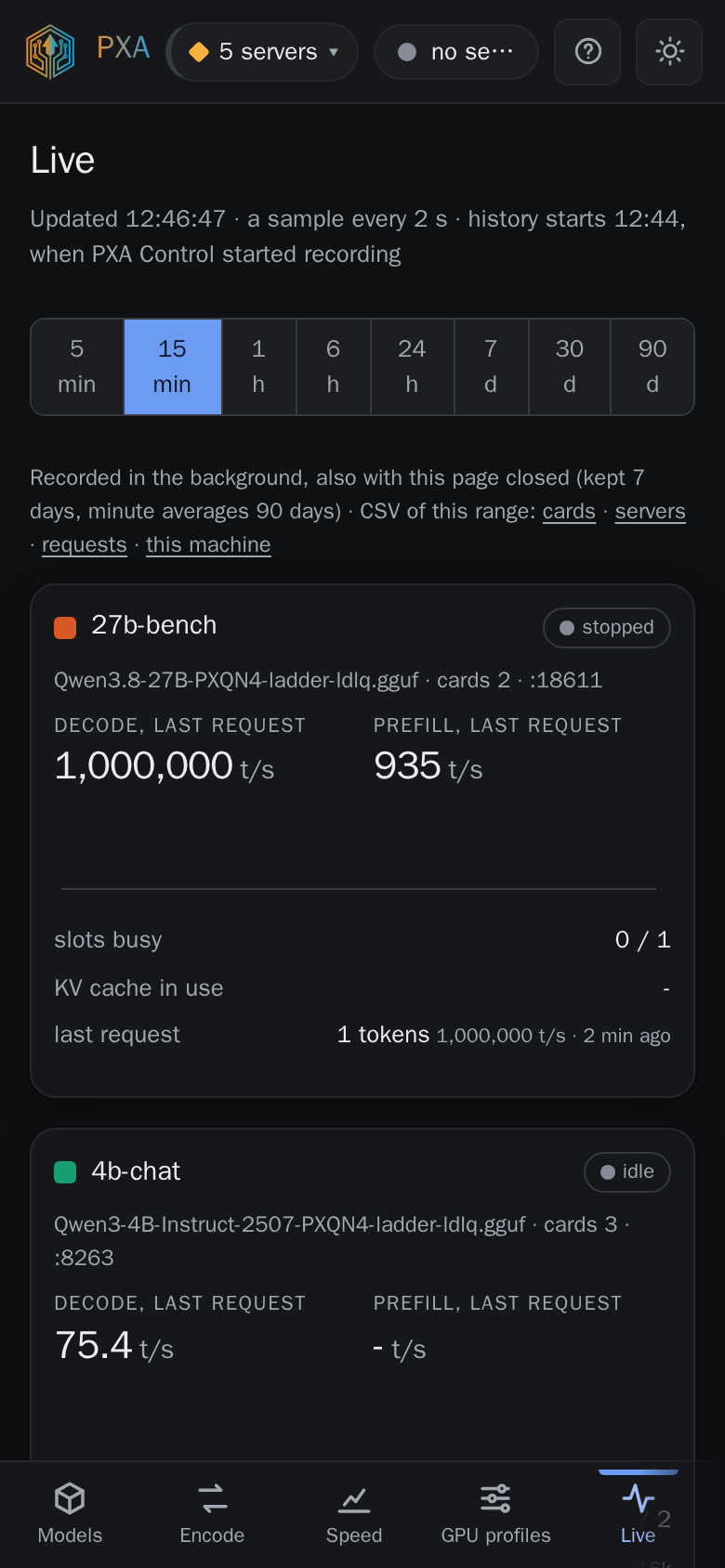
Same app, same token, laid out for a 390-pixel screen. On Android it installs as a PWA (4.0-pre, in testing).
PXA Control, home tab (dark theme)PXA Control, home tab (light theme)
HomeEvery server on the machine at a glance, with the cards it found: 4x P100, 2x V100 and a 1080 Ti here.
PXA Control, live tab (dark theme)PXA Control, live tab (light theme)
LiveDecode and prefill speed, slots, KV use and per-request progress. Here two 27B servers run eight chats each on single P100s.
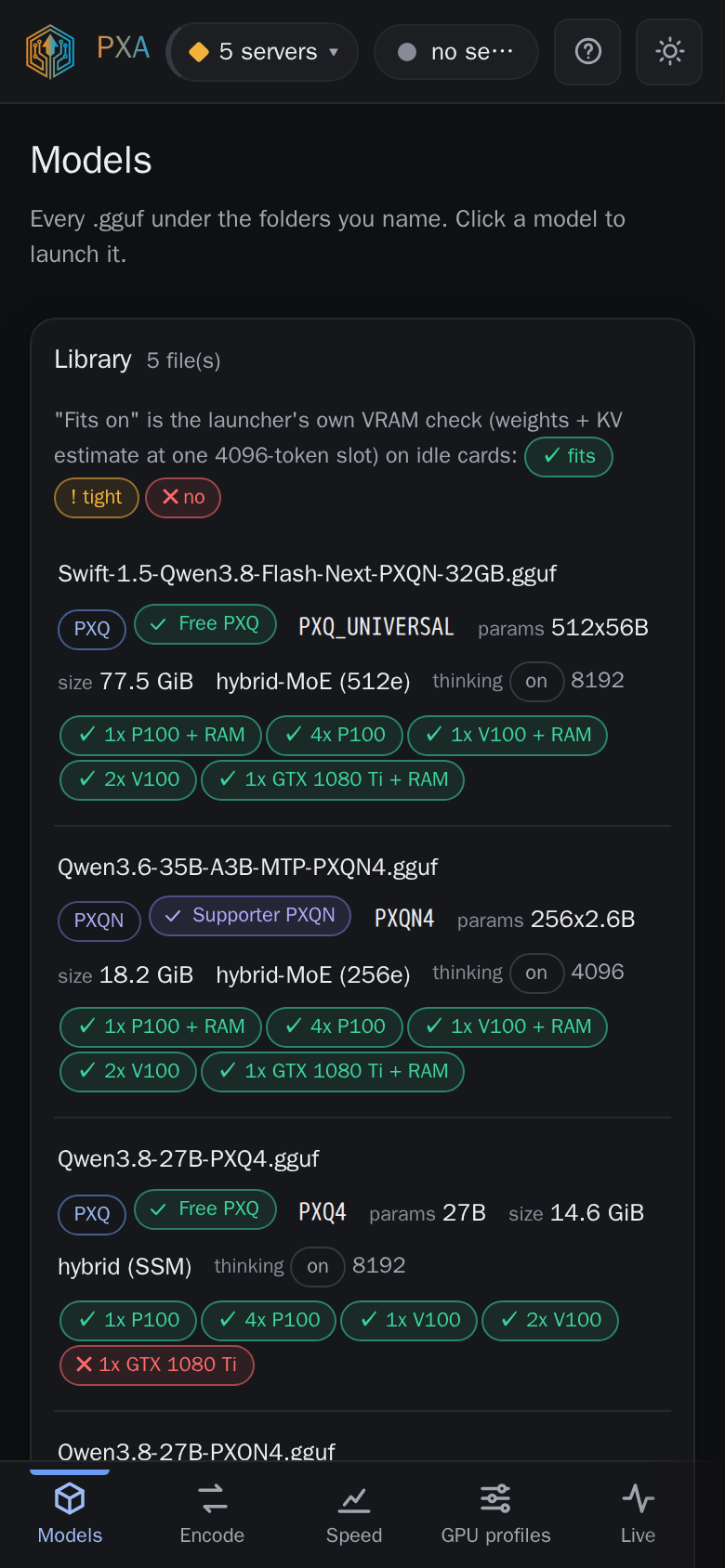
PXA Control, models tab (dark theme)PXA Control, models tab (light theme)
Model libraryEvery .gguf under your folders, read from its header: codec, tier, size, family and which card sets it fits on.
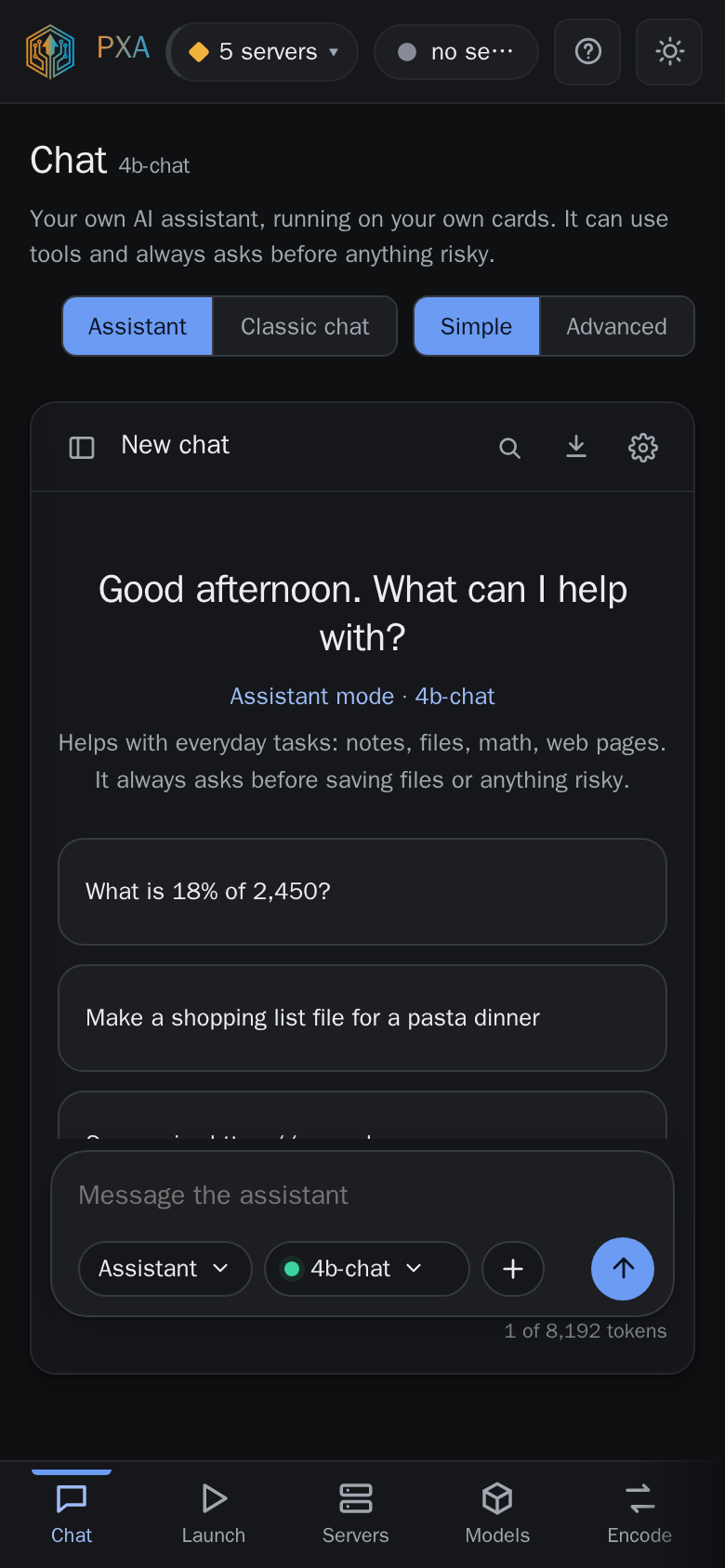
PXA Control, chat tab (dark theme)PXA Control, chat tab (light theme)
ChatAn assistant on your own cards, with tools that ask before anything risky, plus a classic chat mode.
Start it

No flags needed

./pxa                       # opens PXA Control in your browser
./pxa --doctor              # checks cards, driver and CPU; starts nothing
./pxa --tui                 # the same steps in the terminal

Optional flags: --port N, --lan (listen on your network behind the access token), --no-browser, --no-tray, --models-dir DIR (remembered).

Security

A token guards the API

  • On this machine the token is fresh every session and becomes an HttpOnly, SameSite=Strict cookie.
  • With --lan it is the persistent token in your config folder (mode 0600); nothing is open without it.
  • A POST or DELETE never takes the token from the address bar; Control scrubs it from its own logs and reports.
  • Report a problem builds a report with paths, host names and addresses removed and shows you every byte before it sends.